Understanding 360 Product Renders
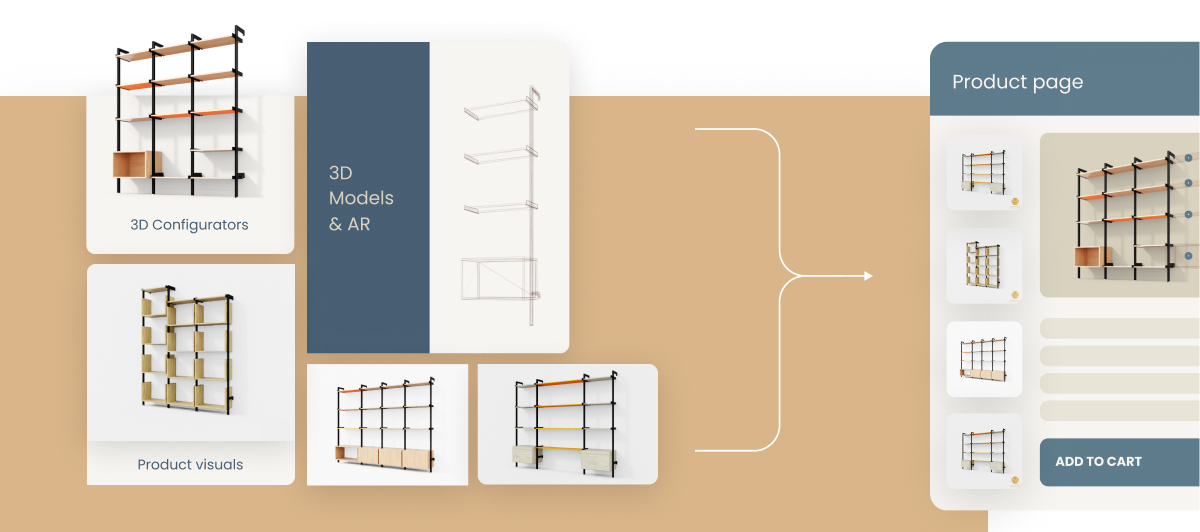
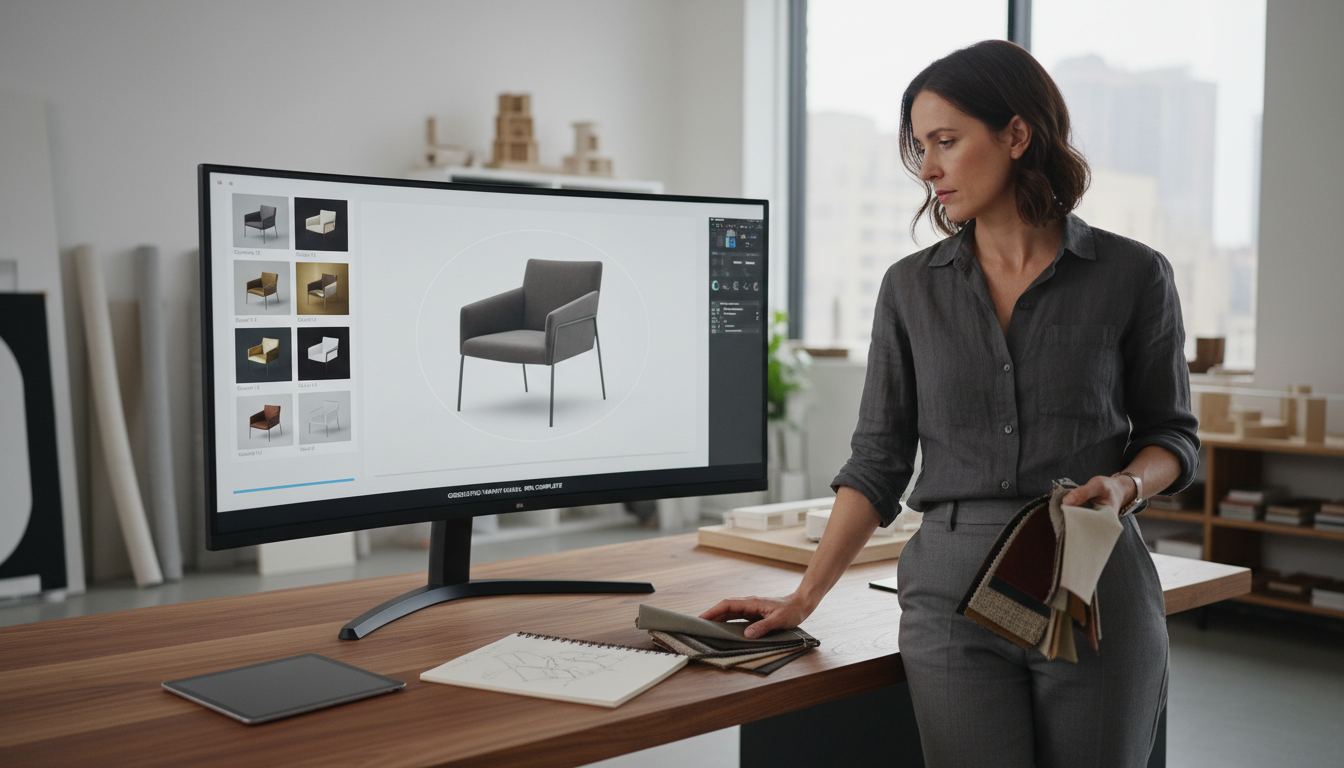
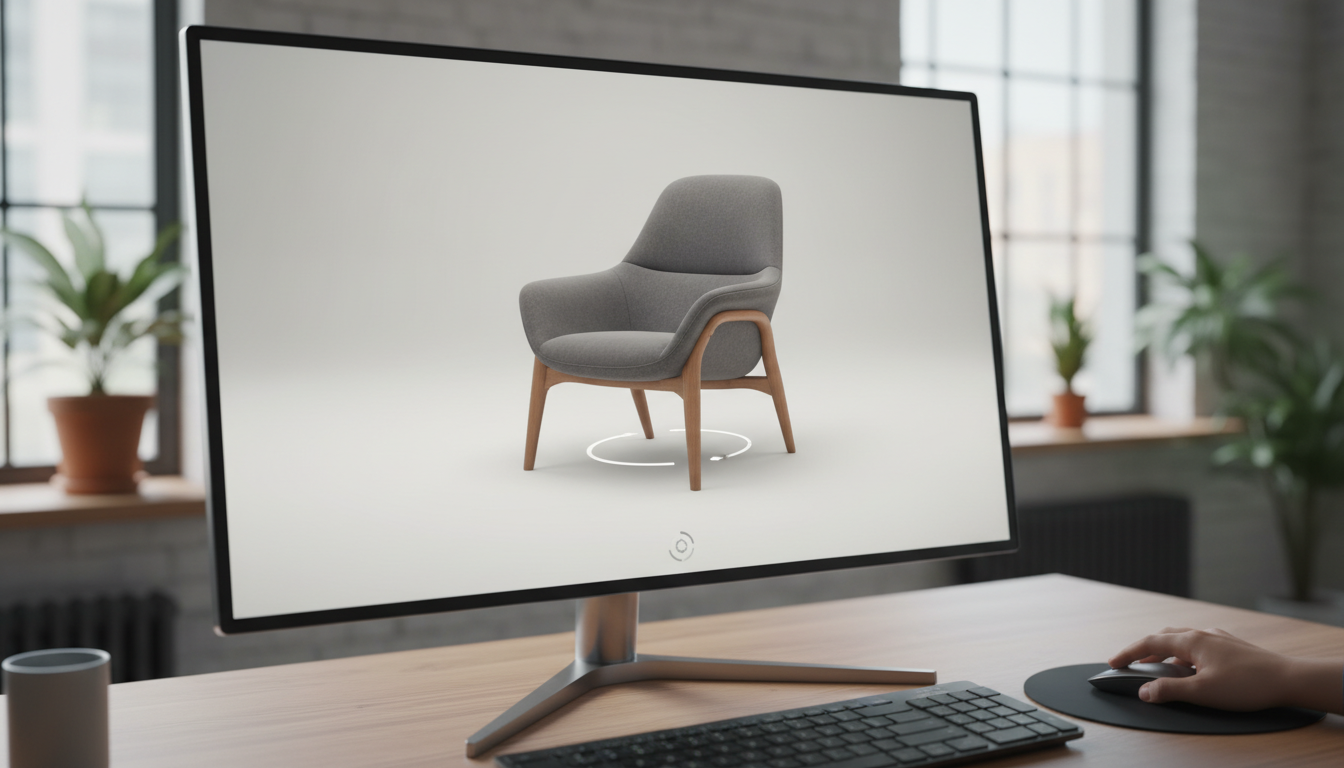
When we talk about 360 product renders, we’re really talking about balance. A 360 view sits somewhere between a fully interactive 3D configurator and a perfectly lit, static photo. It’s interactive enough to let buyers spin, explore, and trust the product, yet still keeps the realism that comes from pre-rendered visuals.
I often describe it like this: if a 3D configurator is a theater play where everything happens live, a 360 render is a movie - carefully crafted scene by scene. But there’s a catch. Just like a movie needs the right number of frames per second to look smooth, a 360 needs the right number of images per rotation to look real - without making users wait ages for it to load.
That’s the question we’ll explore here: how many images should a 360 product render have to look smooth, feel real, and still load fast
More Than Just a Number
The first instinct many people have is simple: 360 degrees, 360 images, right I’ve heard that guess dozens of times from brands just getting started. But here’s the truth: that’s huge overkill. In practice, something around 12 to 18 images usually does the trick.
The right number isn’t just about appearance - it’s also about how our rendering pipeline works and how much you pay in cloud rendering costs. Each extra image means another render to process and another frame to store and serve. And if you work at scale, with thousands of SKUs and multiple variants, those costs add up fast.
We handle this through Automated Product Visuals, which means generating millions of images efficiently, without choking your system or your budget. The pipeline is the same for static visuals or 360 views - only the frame count changes. That’s why deciding on the right number of angles becomes more of a strategic than aesthetic decision.
Industry Insight: Best Practices for Image Count in 360 Renders
So, what are brands actually doing Industry data and our own research show most successful e-commerce stores stick to 18–24 images per full rotation. This range hits what I call the “perceptual threshold” for motion - the point at which the rotation feels smooth enough that your eye stops noticing jumps between frames.
For simpler furniture pieces, electronics, or decor items with matte finishes, 18–24 images are usually enough. But once you deal with objects that have intricate geometry, reflective surfaces, or fine material details - think luxury watches, jewelry, or high-gloss tables - you might want to move up to 24–36 images. Beyond 36, the benefits drop sharply while file size and load time jump.
In real-world terms:
- Basic items like chairs, ceramics, or lamps look fine at 18 frames.
- Medium-detailed products, such as storage units or textured sofas, benefit from 24.
- Reflective, highly detailed items look best at 24–36.
External sources back this up, too. According to How 360 view apps are transforming product experiences and How to Create 360 E-Commerce Product Images - Orangemonkie, the perceptual gain curve flattens beyond 36 frames. 24 images hit the sweet spot - fluid enough for the customer to “feel” the rotation without overwhelming load times.
Aligning Rendering Strategy with Business Goals
Now, let’s link this back to what actually matters: conversions and customer satisfaction. Every extra image can improve the realism slightly, but if it slows down page load by half a second, you might lose that buyer altogether. What’s the point of a perfect render if your customer bounces before it even loads
Choosing your frame count is part of a broader rendering strategy tied to business performance. It’s not just design - it’s economics.
Some companies use hybrid approaches, generating fewer static frames and using lightweight interpolation between them. This gives smoother motion without paying for double the rendering time. It’s like using software to “fill in” what your cloud doesn’t render.
I’ve seen brands use A/B experiments here with great effect - one version with 18 images, another with 36, then track which leads to higher engagement. The answer is rarely the same across categories. But testing always beats guessing.
If you’re unclear when to step up from pre-rendered 360s to full configurators, our guide on the Difference Between 3D Configurator and Variant Visuals walks through those tradeoffs in detail.
Making Informed Decisions for 360 Product Renders
To make your 360 renders effective, follow an action plan rooted in both user experience and technical efficiency:
- Start with 18–24 frames for standard products. Test performance.
- Add frames for detailed or reflective items only when you see perceptual benefits.
- Monitor load times and keep total rotation size under control.
- Use A/B testing to see which frame count leads to higher conversions.
- Consider hybrid rendering (interpolation or partial updates) to lower costs.
- Regularly review your rendering setup - it should evolve with your product line and tech stack.
Most importantly, avoid the common pitfall of treating frame count like a fixed rule. The right number of images depends on your product, your audience’s patience, and the platforms you sell on.
At Ar-range, we often guide brands through these tradeoffs. Our rendering pipelines are built to scale - whether you’re producing ten 360 views or ten million - while keeping costs fair and results crisp.
If you’re refining your visual pipeline, start by revisiting your assumption list. You might be surprised how many of them come from tradition rather than data. As I like to say: smooth 360s are not about the number of frames. They’re about smart strategy, fast load times, and visuals that feel effortless for the end user.
For implementation details on integrating these visuals into your digital ecosystem, check our internal resource on How to Build a Product Configurator. It ties neatly into the technical steps needed to scale your rendering strategy - safely and efficiently.
In the end, your visuals tell your story. Just make sure that story loads fast, moves smoothly, and helps people say yes without thinking twice.