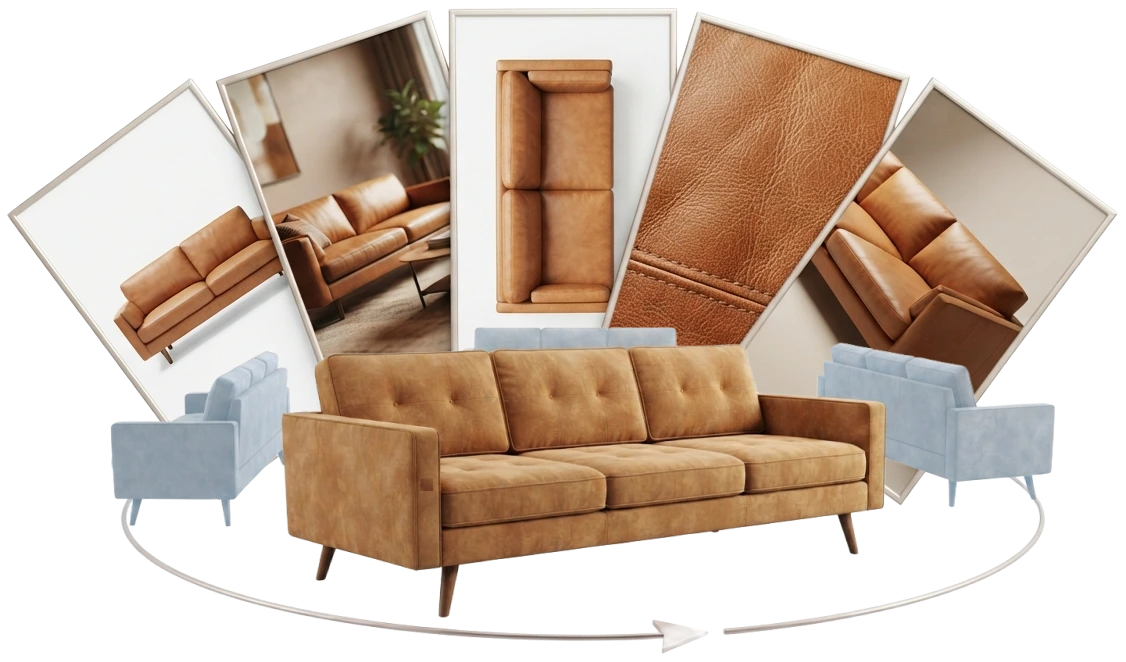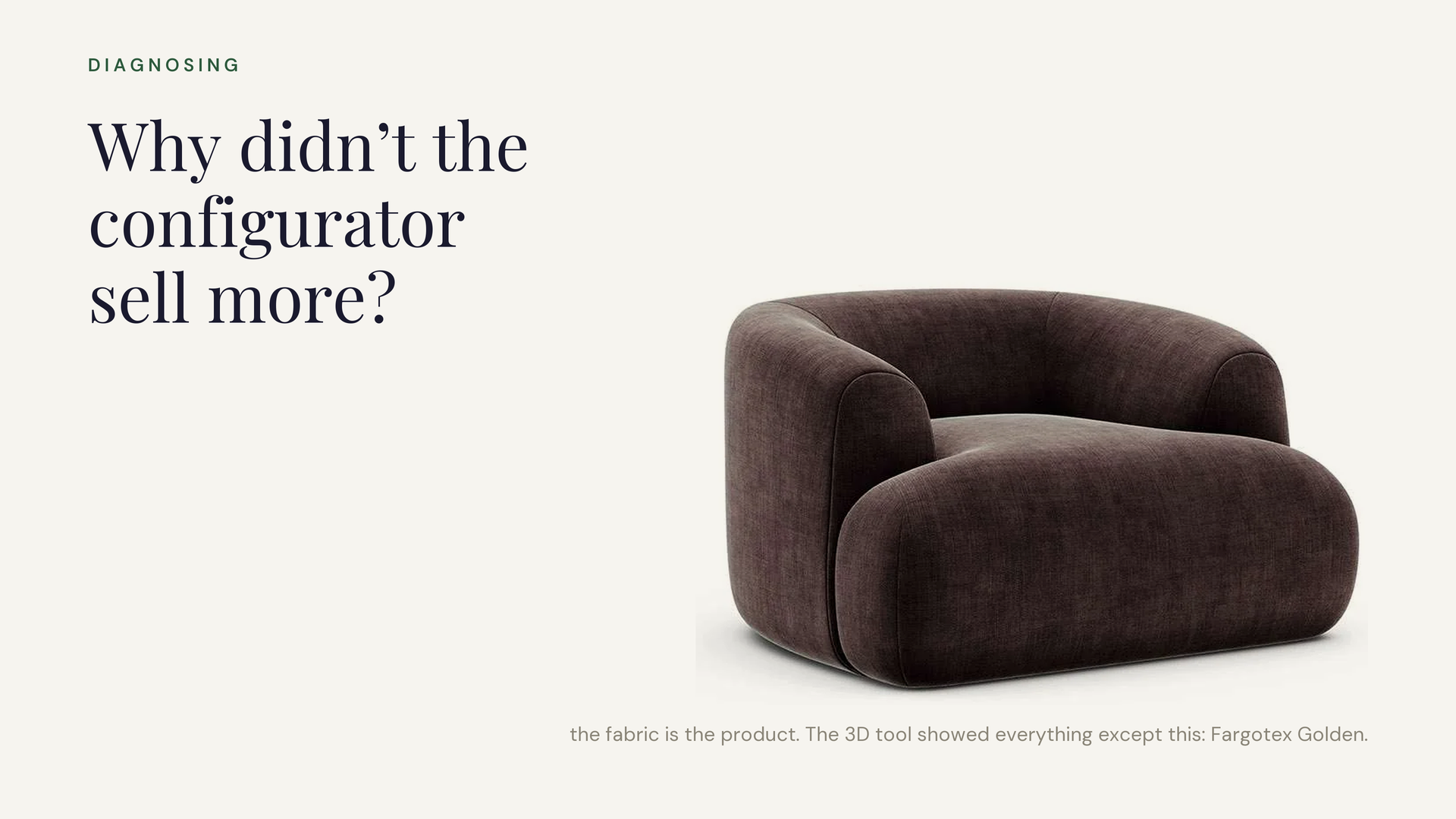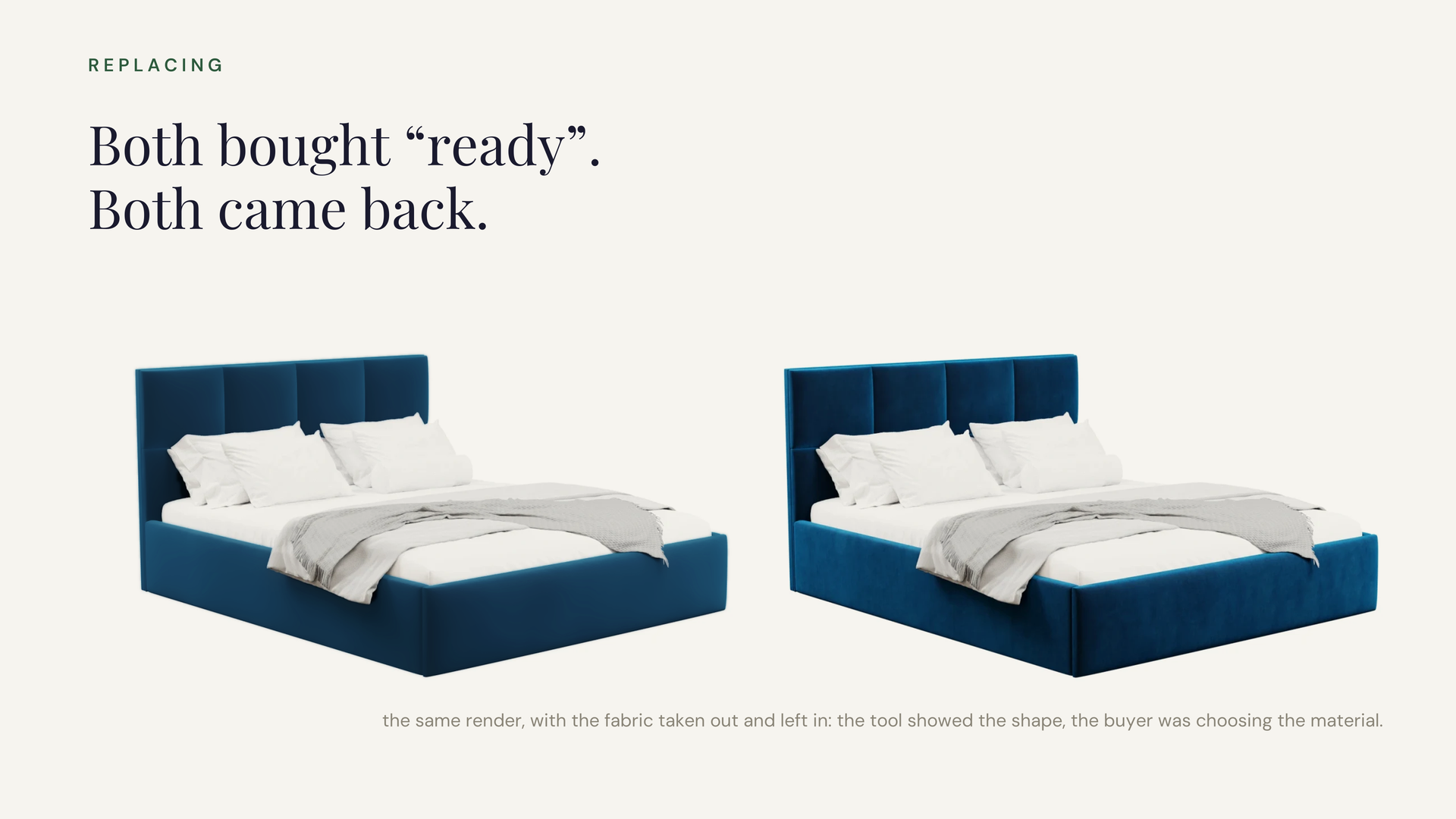
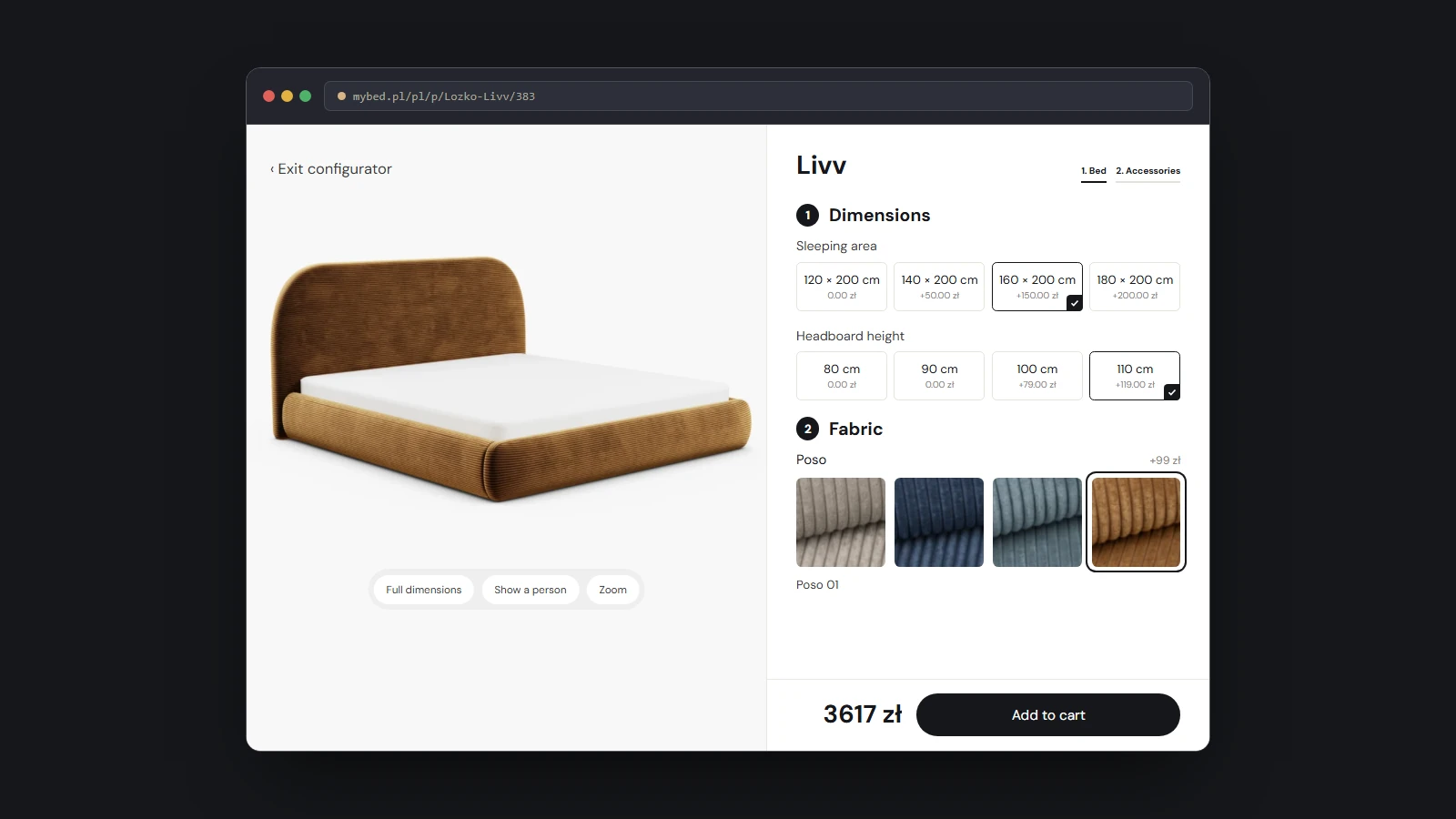
The screen with the steps and the buttons is the part of a configurator everybody sees, and it is the part every demo shows. It is the shell.
The configurator itself is an ability. A buyer asks for any combination your range allows, and you can answer four questions at once:
- Can it be built?
- What does it look like?
- What does it cost?
- What exactly gets ordered?
Those answers come from four things: the facts about your products, the rules for what goes with what, the prices and the pictures. When all four are held in one place, the screen has a simple job. It reads them and shows them.
So the order of building matters. Build the answers first and the screen is the easy part. You can replace it, copy it to another country or add a second tool beside it, and nothing starts again. Build the screen first and you have a good-looking tool with nothing true to show.
A shop window and a stockroom
Picture a furniture shop. The screen is the shop window and the counter. Behind them is the stockroom, where every bed, every fabric, every rule and every price sits on a labelled shelf.
You can repaint the window. You can open a second shop in another country. You can hire a new assistant who helps people find a fabric. All of them serve from the same stockroom, so all of them give the same answer.
People in software call the stockroom a data structure. It means everything about your range written down in one place, where a computer can look it up: every model, every fabric, every size, which ones fit together and what each one costs.
What you gain when the answers come first
Three things get easier when the answers exist before the screen.
The screen becomes a small job. It has nothing to work out. Every question a buyer can ask already has an answer, so the screen only has to ask clearly and show the answer quickly. A redesign in three years changes how it looks and leaves the answers alone.
A second tool costs little. A store in another country, a tool for the showroom, a search that helps buyers find a fabric: each one is another window onto the same stockroom. Each gives the same price and the same picture as the first, because none of them keeps a copy of its own.
Your own team can run the range. A new fabric or a new price is changed once, in one place, and every screen shows it. No screen has to be rebuilt for it.
Built the other way round, all three are hard. A screen that carries its own rules, prices and pictures is a second stockroom. The next tool is a third. Somebody then has to keep them in step every season, and the first time they disagree, a buyer is shown a bed at one price and charged another.
What a demo leaves out
A demo is made to show the screen. It usually runs on one or two products and a handful of fabrics, picked because they work well. Everything on it is smooth, and almost every vendor’s demo is smooth in the same way.
Your range is bigger than the demo. It has hundreds of fabrics, sizes that change the price, and combinations your factory will refuse to make. The four questions have to be answered for every one of them, and a demo on five fabrics says very little about the other five hundred.
So the screen is a poor thing to compare vendors on. Compare what stands behind it.
One example: MyBed.pl
MyBed.pl sells made-to-order upholstered beds: 120 models, each in hundreds of fabrics and several headboard heights. We built it in the order described above.
The pictures came first, over 2.2 million of them, one for every bed a buyer can choose. Then every bed, fabric, rule and price was written down in one place, Ar-range Content Hub. The configurator came last: one on each bed’s product page, all of them run by a single engine.
A buyer picks a bed, a size, a headboard and a fabric, and after each choice sees the bed, its price and the fabric’s technical details. The finished bed goes into the cart of the Shoper store MyBed already ran.
The stockroom has more than one window now. The same record feeds MyBed’s German store, its digital fabric swatch library and its AI fabric search, and MyBed’s own team adds fabrics and changes prices without us. The MyBed configurator case study has the full story.
What to ask a vendor
A demo shows you the shell. These questions show you what it reads. Ask for each one to be done in front of you, on your own products if the vendor has them.
- Where do my products, rules and prices live? Ask to see that place with the configurator closed.
- Show me a combination that cannot be built. What does the buyer see, and where is that rule written down?
- Where does this picture come from? Is there a picture for every combination a buyer can choose, or only for the ones in the demo?
- Change a price while I watch. Where did you change it, and how many places now show the new price?
- What arrives when the buyer clicks buy? Ask to see the order as your shop and your factory would receive it.
- Can my team add a fabric without you? Ask how long it takes and who has to be involved.
- What do we keep if the screen changes? A second country, a showroom tool or a redesign in three years should all read what you already have.
A vendor who built the answers first will have one place to point to for all seven. If each answer turns out to live inside the screen you were just shown, you are looking at a shell, and the real work is still ahead of you.
Which kind of picture suits your range is a separate decision. 3D configurator or variant visuals covers it, and why a 3D configurator can leave sales flat shows what a fine screen with thin facts behind it costs. If you are still working out which kind of tool you need, start with what a product configurator is and the kinds that exist.
Ar-range builds configurators for furniture makers, starting with the pictures and the product record they read. If you are comparing demos now, talk to our team and we will go through the seven questions on your own range.